
The short answer
Building an llms.txt takes about ten minutes: list the pages worth including, write them as Markdown links with one honest sentence each, and place the file at your domain root. Do it with clear expectations — no major AI provider currently fetches it from an ordinary business site — and then go do the things that actually affect whether you get cited.
An llms.txt file is a short Markdown document you place at the root of your site that lists your most important pages with a sentence about each, meant to give AI models a clean map of your best content. You don't need a generator tool to build one; you can write a good one by hand in an afternoon. Below is the step-by-step, but the honest framing first: llms.txt is a proposed standard that no major AI engine has confirmed it reads, so treat this as a low-effort, tidy-house move, not a ranking lever. Get your real fundamentals right first.
With that expectation set, here's how to build a clean one, because if you're going to add the file, adding it correctly costs almost nothing.
What is an llms.txt file, really?
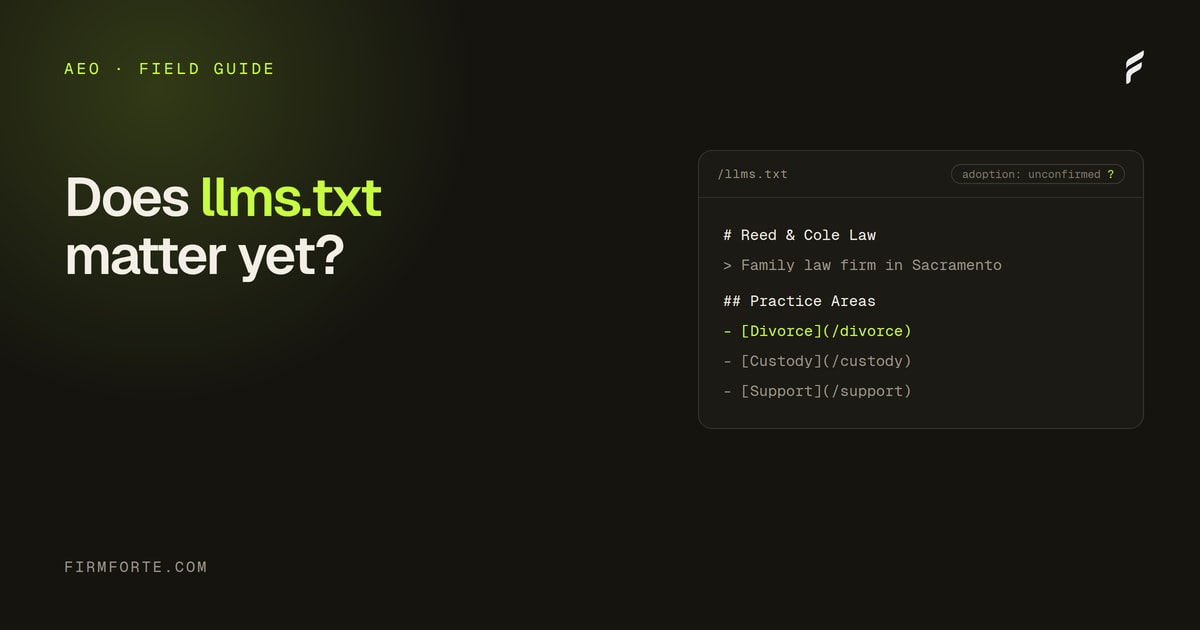
It's a plain-text, Markdown-formatted file, named llms.txt, that lives at your domain root and points AI models to your key pages. The idea, proposed in 2024, is analogous to robots.txt or sitemap.xml: a single predictable location where a firm can hand a model a curated list of its best, most citable content instead of making it crawl the whole site. It's a map you write for machines.
The critical caveat is that adoption is unconfirmed. No major AI engine has publicly committed to reading llms.txt, so it may do nothing today. That doesn't make it harmful, since a well-made one is just a clean summary of your site, but it does mean you should build it after the things that demonstrably matter, not instead of them. We lay out that honest cost-benefit in full in whether llms.txt matters for law firms. This walkthrough is for firms that have the fundamentals handled and want the file done right.
How is llms.txt different from robots.txt and sitemap.xml?
It's easy to lump these together because they all sit at the root and all speak to machines, but they do different jobs. Robots.txt is a set of rules about what crawlers may and may not access; it's a gate. Sitemap.xml is a complete inventory of your URLs so crawlers don't miss anything; it's a full index. Llms.txt is neither a gate nor a full index. It's a short, curated recommendation, closer to handing someone a one-page reading list than to giving them the whole library catalog.
That difference shapes how you build it. A sitemap wants to be exhaustive and is usually generated automatically. An llms.txt file wants the opposite: it should be short, hand-picked, and written in your words. Keeping all three is fine and normal; they don't conflict, and none replaces another. Your sitemap still does the heavy lifting of making sure everything is discoverable. The llms.txt file just adds an opinion about what matters most.
Step 1: List the pages worth including
Start by choosing your genuinely important pages, the ones you'd want an AI to cite. For a law firm that's usually your homepage, each practice-area page, your attorney bios, your main location or contact page, and your strongest guides or FAQ content. Leave out thin pages, tag archives, and anything you wouldn't want representing you. The file is a highlight reel, not a full sitemap, so curation is the whole value.
Keep the list focused. A dozen strong, distinct pages beats fifty that include every thin post, because the point is to show a model your best, clearest content. If a page wouldn't make a good citation on its own, it doesn't belong in the file.
Step 2: Write the structure in Markdown
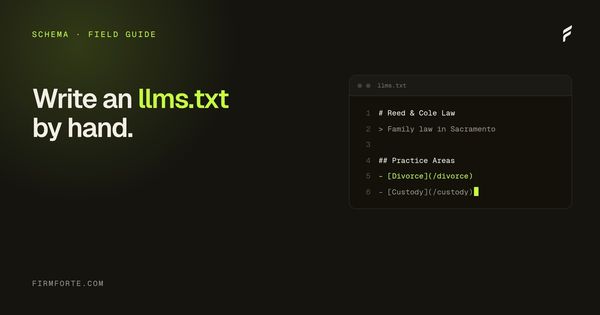
The format is simple Markdown. Begin with a top-level heading that names your firm, add a short blockquote summarizing what you do, then group your links under section headings with a one-line description each. A basic skeleton looks like this:
# Smith Family Law

> A family law firm in Austin, Texas, handling divorce, custody, and support.

## Practice Areas
- [Divorce](https://example.com/divorce/): How divorce works in Texas and how we handle it.
- [Child Custody](https://example.com/custody/): Custody arrangements, process, and what to expect.

## About
- [Attorney Jane Smith](https://example.com/attorney/): Bar admissions, background, and experience.

## Guides
- [Property Division FAQ](https://example.com/property-faq/): Answers to common questions on dividing assets.
Use full absolute URLs, keep each description to one honest sentence, and group related pages under clear headings. That's the entire structure. There's no hidden syntax, which is exactly why a generator tool adds little; the format is meant to be hand-writable.
Step 3: Write good descriptions
Each line's description is where the file earns its keep, so write it the way you'd want an engine to understand the page: specific, plain, and accurate. "How property is divided in a Texas divorce, with the community-property rules explained" tells a model far more than "Learn about our divorce services." Describe what the page actually answers, not what you wish it ranked for.
Keep the descriptions honest and matched to the page's real content, because a mismatch between your one-liner and the page helps no one and could read as manipulation. Think of each line as a clean, truthful summary a person could act on. If the descriptions are good, the file is good; if they're marketing fluff, the file is pointless.
What does a finished one look like?
Here's a fuller illustrative example. It's hypothetical, not a real firm, and the URLs are placeholders, but it shows the shape of a complete file for a small practice: a firm heading, a one-line summary, and pages grouped so a model can tell your practice areas from your team from your guides.
# Rivera & Cole Immigration Law

> A two-attorney immigration firm in San Diego, California, handling family-based petitions, green cards, naturalization, and removal defense.

## Practice Areas
- [Family-Based Immigration](https://example.com/family-immigration/): How family petitions work, who qualifies as a sponsor, and typical timelines.
- [Green Cards](https://example.com/green-cards/): Paths to permanent residence and what each one requires.
- [Naturalization](https://example.com/citizenship/): The citizenship process, eligibility, and the interview.
- [Removal Defense](https://example.com/removal-defense/): What to do if you're in removal proceedings and how we defend cases.

## About
- [Attorney Marisol Rivera](https://example.com/marisol-rivera/): Bar admission, languages spoken, and background in family immigration.
- [Attorney Daniel Cole](https://example.com/daniel-cole/): Bar admission, background, and focus on removal defense.
- [Contact and Office](https://example.com/contact/): Office location, hours, and how to reach the firm.

## Guides
- [Green Card Interview FAQ](https://example.com/green-card-interview-faq/): Common questions about the interview and how to prepare.
- [Naturalization Checklist](https://example.com/citizenship-checklist/): Documents and steps needed to file for citizenship.
Notice what it isn't: there's no blog tag archive, no "Latest News" feed, no privacy policy, no thin service stub. Every line is a page you'd be glad to see cited, described in a way that tells a model what it actually answers. That restraint is the point. A firm with three practice areas and two attorneys might have a file this size and nothing more, and that's correct.
Common mistakes to avoid
Most bad llms.txt files fail the same handful of ways. Worth knowing them before you write yours, because each one is easy to sidestep.
The first is dumping your whole sitemap into it. If the file lists every page, it isn't curated, and curation is the only thing it offers over the sitemap you already have. Keep it to the pages you'd genuinely want cited. The second is writing marketing lines instead of descriptions. "The trusted choice for families across the state" tells a model nothing about the page; "how child support is calculated in Ohio and how it changes after a job loss" tells it exactly what's there. Describe the content, not the brand.
The third is broken or relative links. Every URL should be absolute and should resolve, so spot-check them rather than assuming. The fourth is letting it drift out of date: if you rename a practice area or retire a page, the file still points at the old one until you fix it, and a file full of dead links is worse than no file. The last is treating the file as a substitute for the underlying work. A tidy map of pages an engine can't read still leads to pages an engine can't read.
How often should you update it?
Honestly, not often, and this is where it depends on your firm. A small practice with a stable set of pages might touch the file once or twice a year, usually when a practice area or an attorney changes. A firm publishing frequently doesn't need to add every new post; the file is for your durable, best pages, not your feed. The trigger for an edit is a structural change, a new practice area, a page you've retired, an attorney who's joined or left, not routine publishing.
A simple habit works well: whenever you'd update your main navigation, glance at your llms.txt too, since the two tend to change for the same reasons. If nothing in your core pages has moved, the file is still accurate and needs nothing. Because it's small and hand-written, keeping it current is a few minutes, not a project, which is another reason a generator tool buys you little.
Step 4: Place it and check it
Save the file as llms.txt and put it at your domain root, so it loads at yourdomain.com/llms.txt, the same convention as robots.txt. It needs to be reachable at that exact path as plain text, not tucked in a subfolder. Once it's live, open the URL in a browser to confirm it loads cleanly and the links work.
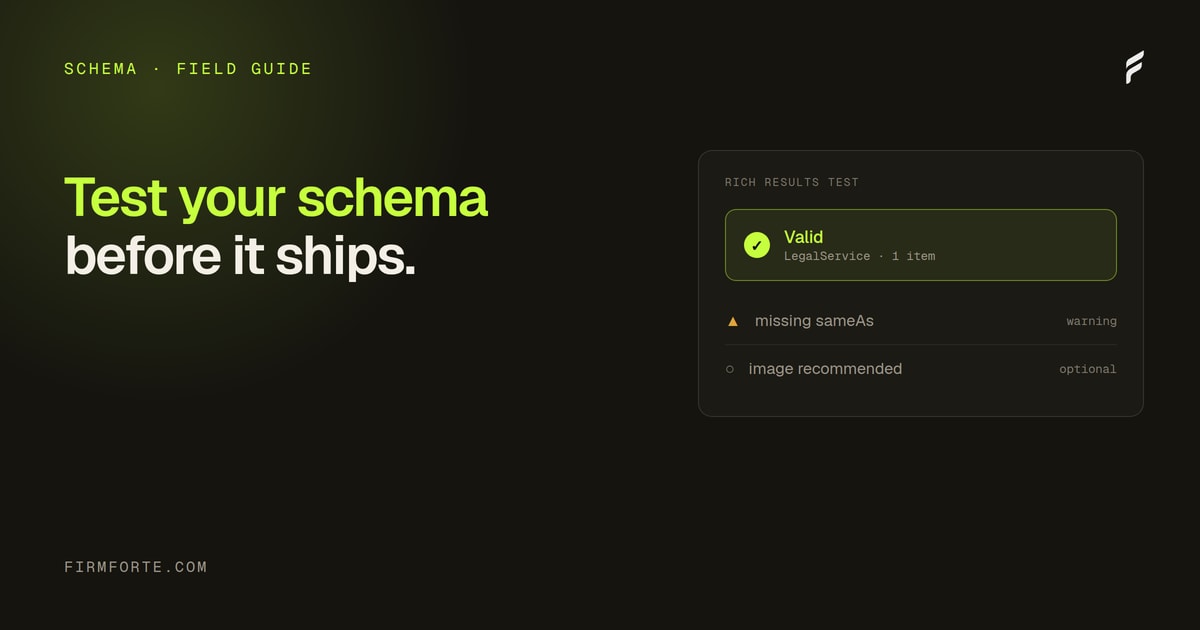
Some sites also add a longer llms-full.txt containing expanded content, but for most law firms the basic llms.txt is plenty, and there's little sense maintaining more until any engine confirms it uses the standard. Verify the file loads, spot-check that every link resolves, and you're done. It's the kind of thing worth confirming the same way you'd confirm your schema is valid before trusting it, which we cover in how to test your law firm schema before it goes live.
Do the things that actually matter first
Before you spend any energy here, make sure an AI engine can read your site at all, because that foundation decides everything and llms.txt sits far downstream of it. If your pages depend on JavaScript to render their content, a model may see nothing regardless of how tidy your llms.txt is, which is why server-rendered, machine-readable pages come first, covered in why law firm sites should be readable without JavaScript.
So the order of operations is: get the fundamentals right, real answer-first content, valid schema across the seven types every law firm site needs, a crawlable and JavaScript-free-readable site, then add llms.txt as a clean finishing touch. Done in that order, the file costs an afternoon and does no harm, and if the standard gains traction you're already set. To see whether the fundamentals underneath it are in place, run the free review, and the deeper machine-readability work is the core of our AEO service.
Questions we get about this
-
How do you create an llms.txt file?
List the pages a reader would genuinely need to understand your firm — practice areas, key guides, contact, about — then write them as Markdown links under headings, each with one sentence describing what the page covers. Save it as llms.txt and place it at the root of your domain so it's reachable at yoursite.com/llms.txt. That's the whole job, and it's ten minutes for a small firm site. Check it loads as plain text rather than as a download.
-
How is llms.txt different from robots.txt and sitemap.xml?
Robots.txt controls what crawlers may access, sitemap.xml lists every URL for discovery, and llms.txt is meant to be a curated summary of what matters most — the difference is editorial rather than technical. Robots and sitemaps are long-established and actually used; llms.txt is a proposal without adoption from the major providers. They don't conflict, so having one doesn't affect the other two. Keep the robots and sitemap work correct regardless of what you decide about llms.txt.
-
What are the common llms.txt mistakes?
Listing every page instead of curating, writing marketing copy in the descriptions instead of describing what's on the page, and letting it go stale after a site change. The larger mistake is treating it as an AEO deliverable — spending real money on it, or letting it displace crawler access and content work that demonstrably matter. If you find yourself maintaining it carefully, you've inverted the priority. Write it once, keep it honest, and move on.
-
Does an llms.txt file actually get a law firm cited?
No. No major AI provider currently fetches llms.txt from an arbitrary business website, which is visible in server logs rather than being a matter of opinion. The reasonable case for publishing one is as a ten-minute hedge in case adoption arrives, not as a step toward citations. What actually affects citation is whether crawlers can reach you, whether your answers are extractable, and whether independent sources corroborate you. Do those first, and treat this as optional tidying.