
The short answer
Technical SEO comes first because everything else depends on it: if engines can't crawl, render, and understand your pages, no amount of content or authority work reaches them. The checklist is short — crawlability and indexing, speed and mobile, clean structure, working schema — and most law firm sites fail on one of the first two without anyone noticing.
A technical SEO checklist for a law firm is short, unglamorous, and non-negotiable. Make sure Google can crawl and index your pages, that the site loads fast and works on a phone, that the structure is clean, and that your schema is in place and readable. That's most of it. Technical SEO isn't where you win on its own, but it's the foundation your content and links stand on, and a cracked foundation means nothing built on top of it can rank.
Here's the checklist, plus how to know whether your site passes each item.
What is technical SEO, and why does it come first?
Technical SEO is the plumbing: everything that determines whether search engines can access, understand, and trust your site, as opposed to the content and links that determine whether they rank it. It comes first because it's a gate. If Google can't crawl a page, index it, or load it quickly, then the best content and the strongest links in the world can't help it, because the engine never properly sees it.
Think of it as the difference between having a great argument and being able to speak. Content is the argument; technical SEO is whether the microphone is on. A law firm can invest in excellent practice-area pages and still rank nowhere because a setting is blocking crawlers, the site takes eight seconds to load on mobile, or half the pages aren't indexed. The good news is that technical fixes are usually one-time and permanent, unlike content, which is ongoing. Get the foundation right once and it keeps paying off.
Can Google actually crawl and index your site?
This is the first and most important check, because it's binary: a page that isn't indexed can't rank at all. Confirm your robots.txt isn't blocking important pages, that you have a valid XML sitemap submitted in Google Search Console, and that no key pages carry an accidental "noindex" tag. Then check Search Console's page indexing report to see what Google has actually indexed versus what it's excluded and why.
Accidental de-indexing is more common than firms realize, and it's devastating and invisible at once. A "noindex" tag left over from when the site was in development, a robots.txt rule that's too broad, or a migration that dropped pages can quietly keep whole sections out of Google. The page looks fine to you; it just doesn't exist to search. Search Console is the source of truth here, and it's free. If a page you care about shows as "excluded" or isn't listed, that's your highest-priority fix, because everything else is moot until the page can be found.
Is the site fast and mobile-friendly?
Speed and mobile are the same check now, because Google indexes the mobile version of your site and measures real-world load performance. Your pages should load quickly on a phone on a normal connection, and pass Google's Core Web Vitals thresholds for loading, responsiveness, and visual stability. Most law firm sites that fail here fail on mobile, not desktop.
The specifics of the speed metrics, what they measure and what counts as good, are worth understanding on their own, which is why we break them down in plain language in Core Web Vitals for law firm websites. For the checklist, the point is: test your key pages on mobile, not just your desktop, and treat a slow phone experience as a real ranking and conversion problem, not a cosmetic one. A visitor in crisis on their phone won't wait for a bloated page, and neither will Google reward one.
Is your site structure clean?
Google should be able to understand your site's shape at a glance, and so should a visitor. That means logical, readable URLs, a clear hierarchy from homepage to practice areas to supporting content, internal links connecting related pages, and no important pages orphaned with nothing linking to them. Structure is how ranking signals flow through your site.
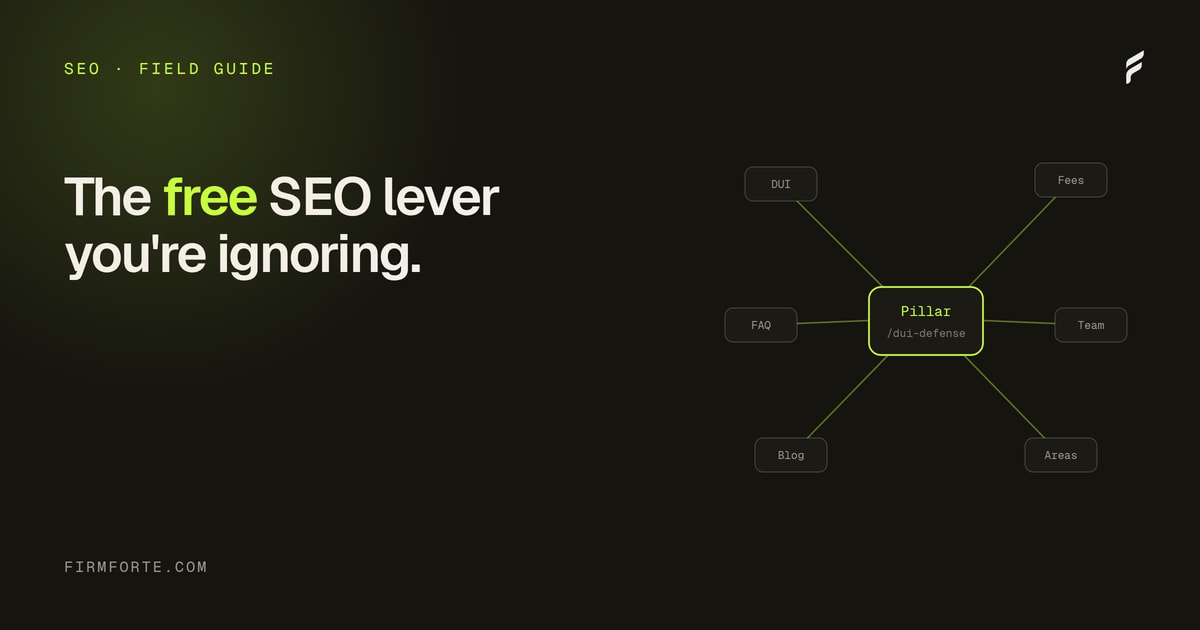
A clean structure does double duty: it helps engines crawl efficiently and it passes authority from your strong pages to the ones that need it. Orphan pages, ones with no internal links pointing at them, are a common law firm problem, especially older blog posts that nothing connects to anymore; they're hard for Google to find and they rank poorly as a result. The fix is the internal-linking discipline we cover in internal linking for law firms: every page should be reachable in a few clicks and linked from relevant related content. Breadcrumbs help both engines and users understand where they are.
Is your schema in place and readable?
Structured data is part of the technical foundation, and the check has two halves: the right schema types are present, and they actually render in the HTML a crawler receives. A law firm needs LegalService, LocalBusiness for its location, Person for its attorneys, and FAQPage where it has real FAQs. All of it is hygiene, not a ranking trick, but missing or broken markup is a real technical gap.
The types and how to choose them are covered in the seven schema types every law firm website needs, and the pre-launch validation, including the check that the markup is actually in the served HTML and not just your CMS preview, is in how to test your law firm schema before it goes live. For the checklist: confirm the markup exists, validates cleanly, and is present in the raw page a crawler sees. Schema won't rank you by itself, but broken schema is a foundation crack like any other.
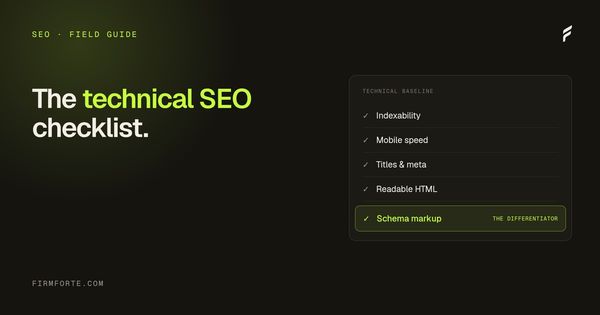
The checklist
The whole thing in one place, roughly in priority order:
- Indexing. Key pages are indexed in Search Console; no accidental noindex; valid sitemap submitted.
- Crawlability. robots.txt allows important pages and the AI crawlers you want; no crawl errors in Search Console.
- Mobile and speed. Pages load fast on mobile and pass Core Web Vitals.
- HTTPS. The site is served securely, with no mixed-content warnings.
- Structure. Clean URLs, clear hierarchy, breadcrumbs, no orphan pages.
- Internal links. Related pages link to each other; money pages are well-linked.
- Schema. LegalService, LocalBusiness, Person, and FAQ markup present, valid, and in the rendered HTML.
- Readability. Content renders without requiring JavaScript, so crawlers see real text.
- Redirects. Old URLs 301-redirect to their new homes; no broken links.
How often should you run this?
Quarterly, plus any time the site changes structurally. Technical SEO isn't a set-and-forget, because a theme update, a plugin change, a migration, or a redesign can silently break indexing, speed, or schema. A quarterly pass through the checklist, with Search Console monitored in between, catches problems before they cost you months of rankings.
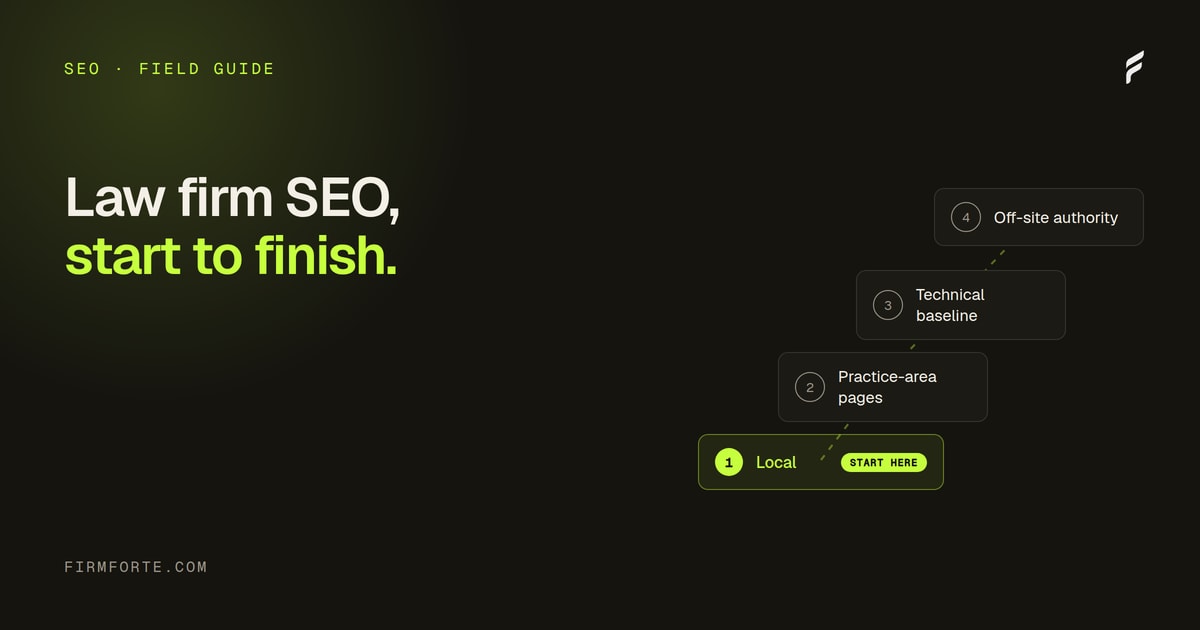
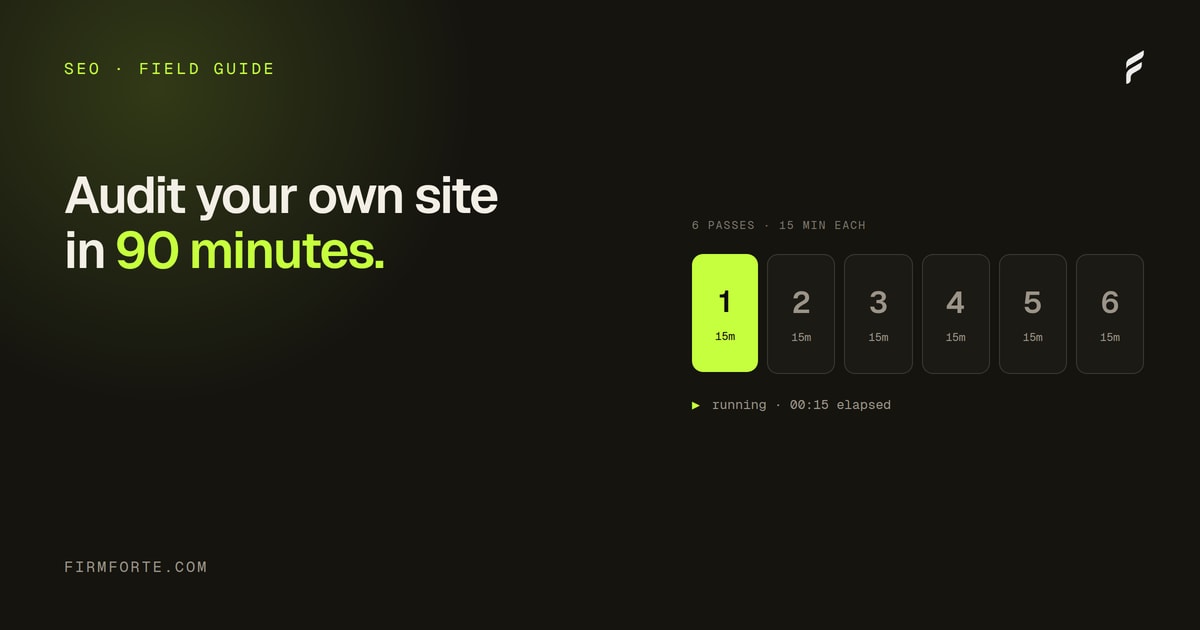
The reassuring part is that once a site is technically sound, keeping it that way is maintenance, not constant work. Most of the checklist is one-time fixes that stay fixed until something changes them. You can run a version of this yourself, and we walk through a fast self-audit in the 90-minute law firm SEO audit, or see the whole method in context in the complete law firm SEO guide. To have your site's technical health checked for you, including the issues that don't show up until you look, run the free review, and the ongoing work lives in our SEO service.
Questions we get about this
-
What is technical SEO and why does it come first?
It's the work of making sure engines can reach, read, and understand your pages — crawling, indexing, rendering, speed, structure, and structured data. It comes first because it's a gate rather than a lever: content and authority work have no effect on a page an engine can't process. It's also the part that breaks silently, since a blocked page looks perfectly normal in your own browser. Check it before you buy anything else.
-
How do I check whether Google can crawl and index my site?
Read your robots.txt for rules blocking anything you want indexed, then run a site: search on your own domain to see roughly what Google actually has. Google Search Console gives the authoritative answer — its indexing report tells you which pages are in, which are excluded, and why. Look specifically for practice-area pages missing from the index, since those are the ones that matter. A page that isn't indexed cannot rank, regardless of how good it is.
-
What technical problems do law firm sites have most often?
Content that only appears after JavaScript runs, robots rules blocking crawlers nobody meant to block, missing or broken schema, slow-loading unoptimized images, and duplicate pages competing with each other. Redesigns are the usual cause — a rebuild routinely drops schema or reinstates an old rule, and nothing warns you. The common thread is that none of them are visible from your own browser. That's why the checklist exists rather than relying on the site looking fine.
-
How often should a law firm run a technical SEO check?
Quarterly for the full pass, and immediately after any redesign, platform migration, or plugin change. Between those, watch whether new pages get indexed within a couple of weeks of publishing, since that's the earliest sign something has broken. A short check on a schedule catches more than a thorough one you keep postponing. Most technical regressions are introduced by a change someone made, so tie the check to changes rather than only to the calendar.